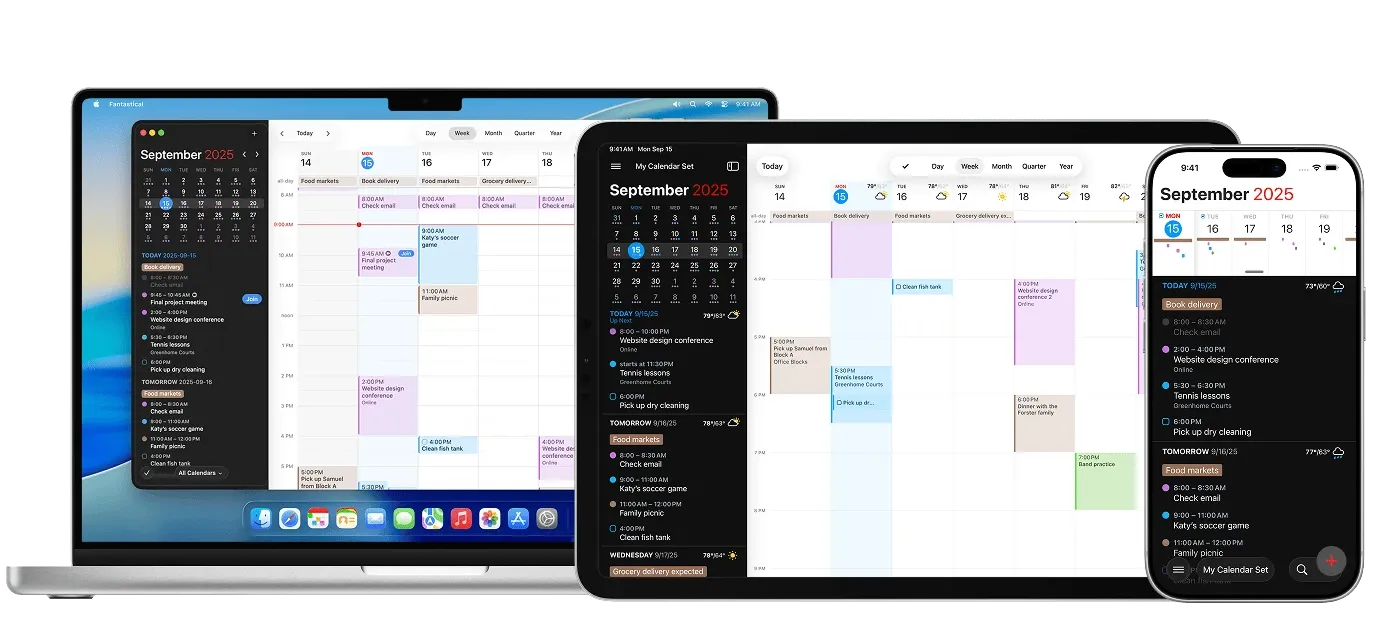
I sometimes forget that Fantastical isn’t the default calendar experience on Mac, because it’s been many, many years now since I last used the built-in Calendar app on either Mac or iOS. Rather than any single killer feature, the biggest selling point of Fantastical is how everything in the app is cleverly designed to reduce friction and make it fast, easy and delightful to add, edit and browse through the events in your calendar. While the Mac version does have a full window experience similar to the Calendar app, I mostly use the app through the menu bar, which gives you full access to your calendars through a convenient little dropdown.
The signature feature of Fanastical is the natural language event creation, which predates the current machine learning natural language craze by at least ten years. Type “Coffee with Rebecka at Starbucks at 1 PM tomorrow, remind me one hour before“ and hit enter, and Fantastical will create the event with the location, time, and reminder all added to the right fields and stripped from the name of the event. It is very convenient. Like you would expect, the app supports pretty much every calendar service under the sun, in addition to a bunch of integrations with weather services and reminder apps that you wouldn’t.


