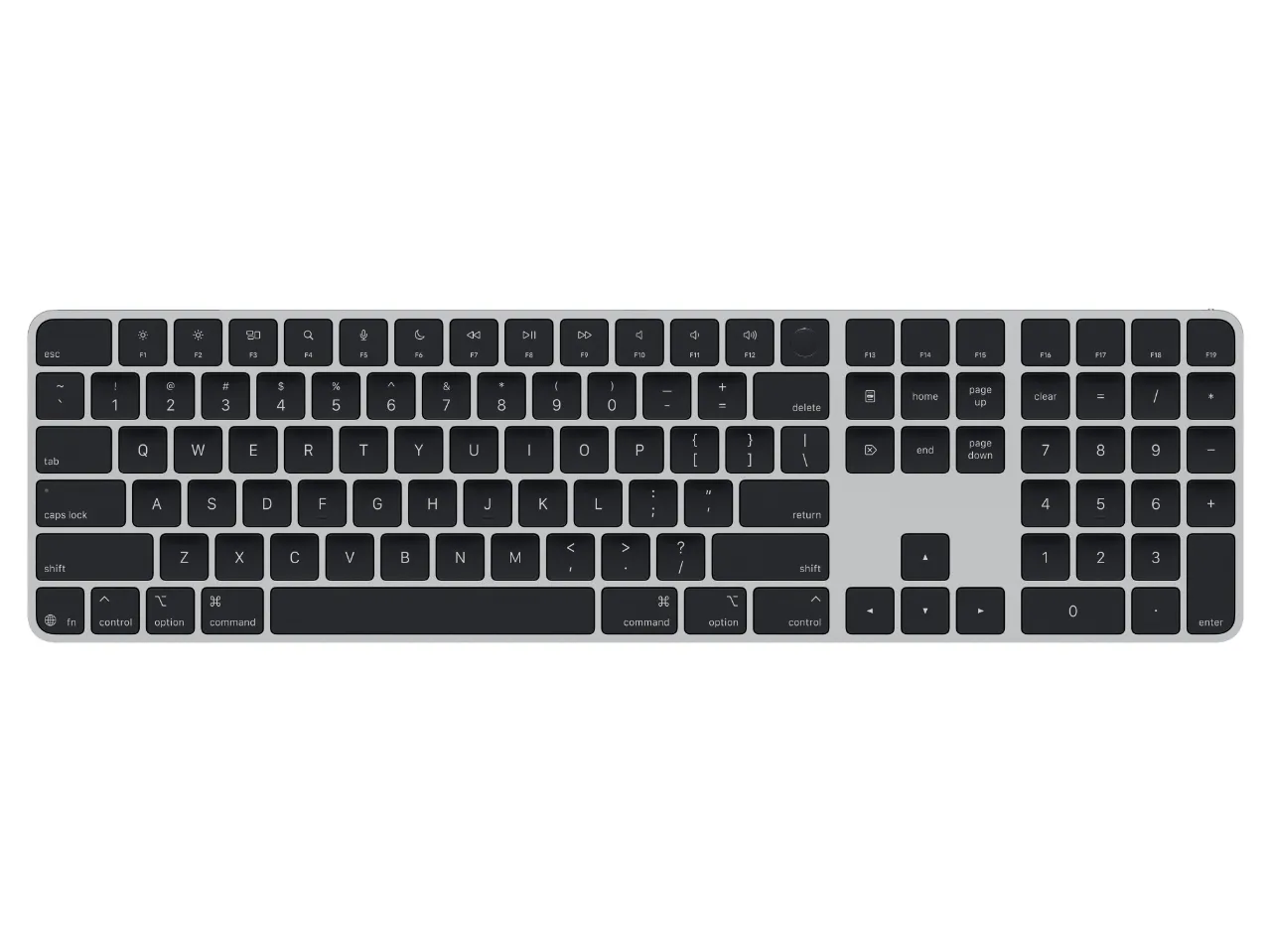
There are lots of people who dislike Apple’s keyboards just as much as I dislike mechanical keyboards, but I’ve loved the feel of the Apple keyboards ever since I got the Apple Wireless Keyboard powered by AA batteries in the cylinder shaped stand in the back. I replaced that one with a Magic Keyboard when that model was first released, and I switched to the Apple Magic Keyboard with Touch ID and Numeric Keypad in 2025.
My old Magic Keyboard still works, all of these years and thousands of key presses later, despite some of the keys becoming so worn that you can barely make out the text on them. I mostly replaced it because I wanted the convenience of having a Touch ID button on the external keyboard, given that I pretty often has my laptop in clamshell mode while it’s hooked up to my Caldigit dock and the Studio Display XDR. Charging it over USB C instead of lightning is nice as well. I haven’t gotten in the habit of using the numeric keypad yet, but the increased size and weight of it helps to keep the keyboard in place while I type, which I appreciate.


