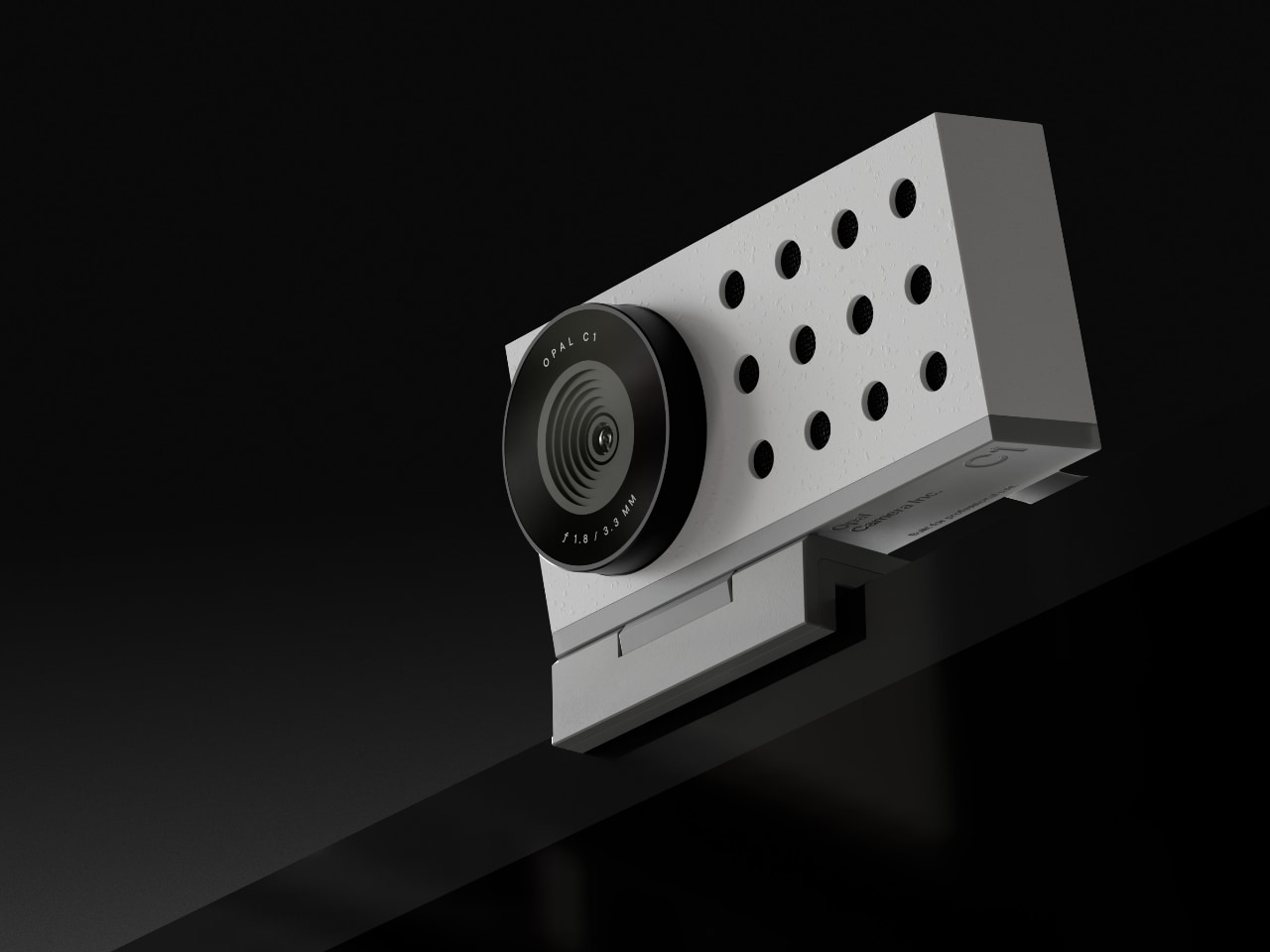
I work from home and haven’t had an in-person work meeting in three years, and I still struggle to motivate why I bought the Opal C1 webcam. In my defense, I got it during the pandemic, when it was easy to justify any home office related expense. While it is undeniably pricy at $300, it’s also undeniably high-quality, with a beautiful industrial design that’s a far cry from the plastic ball shaped Logitech webcams one tends to think of when thinking about standalone webcams. Definitely pretty enough to be left on top of your monitor between meetings.
That’s all well and good, but the real selling point of a $300 webcam should be how pretty it makes you look. Opal describe the image as being of “DSLR quality“. That would depend on the DSLR, obviously, but it’s definitely a massive improvement over any of the cameras that are built in to Apples laptops and displays. The Sony sensor in the Opal C1 supports 4K resolution, and although most video conferencing software still don’t, it looks plenty sharp and detailed when sized down to 1080p. Colors are vivid without being exaggerated, and the performance in low light is an especially noticeable improvement over built-in laptop cameras.
The Opal Composer app didn’t make a great first impression with issues that required a bunch of reinstalls, but it’s been stable for the last couple of years. Composer has settings for everything you would expect, like lighting, color, focus, backgrounds, but also some features that you wouldn’t, like stickers, loops, timers and settings for screen recording. I haven’t found those features useful, but I appreciate the effort put into the software, which is also apparent in the overall quality of the interface design.
If you work from home and want a great picture quality in video calls without having to invest in a full DSLR setup, then the Opal C1 is a great option.


